

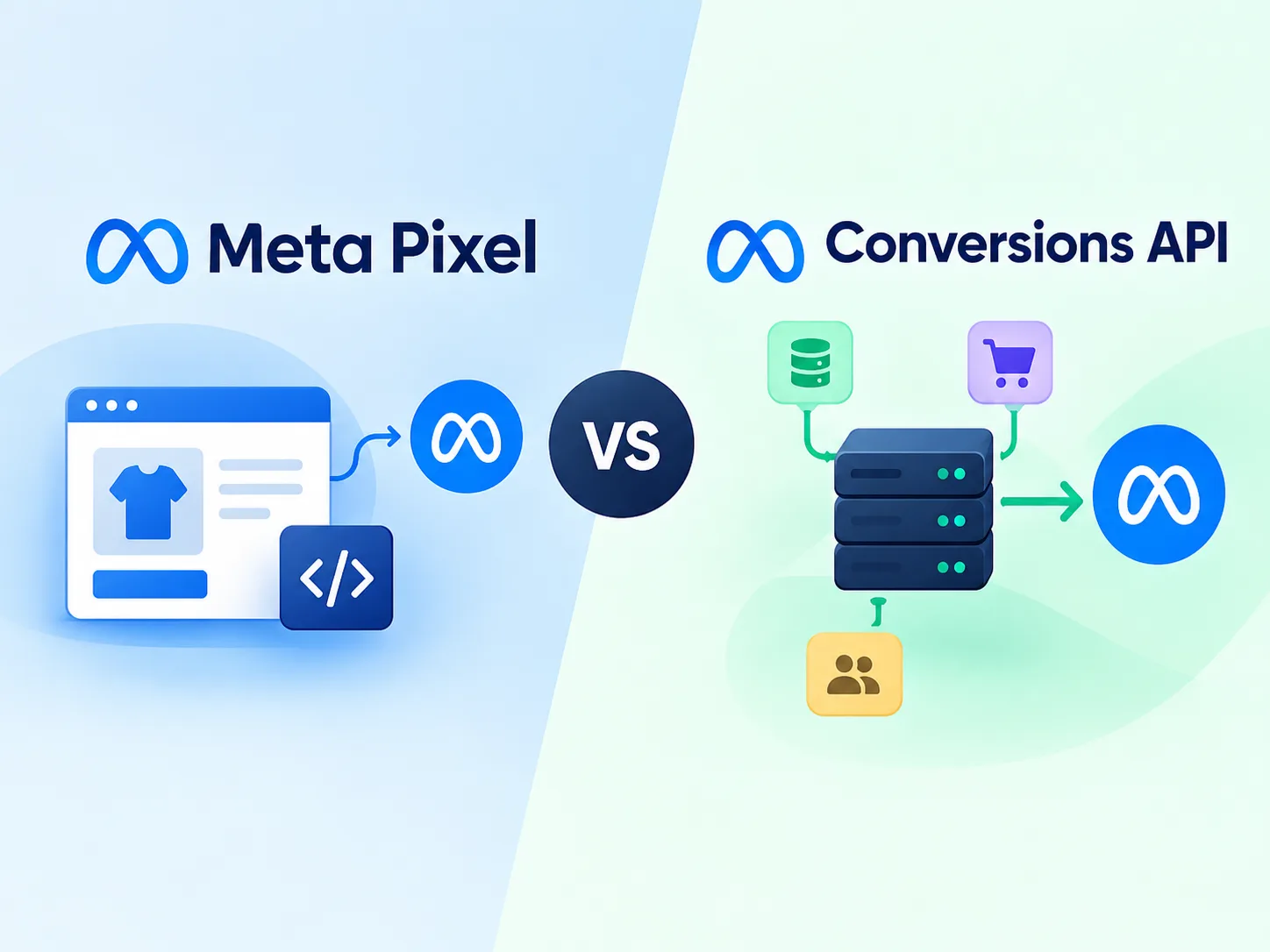
Meta Pixel vs Conversions API: Which One Do You Need?
If you run Facebook or Instagram ads, you have probably heard two names: the Meta Pixel and the Conversions API. Many business owners ask the same question about Meta Pixel vs Conversions API: “Do I need both, or is one enough?”
The short answer is that the best setup uses both together. In this Meta Pixel vs Conversions API guide, you will learn what each one does, how they are different, and how to set them up in simple steps.
What Is the Meta Pixel?
The Meta Pixel is a small piece of code on your website. When someone visits your site, the Pixel runs inside their web browser and sends information to Meta, such as:
- Which page they viewed
- Whether they added a product to the cart
- Whether they submitted a form
- Whether they bought something
Think of the Pixel as a small camera inside the visitor’s browser. It watches what happens and reports it back to Meta.
What Is the Conversions API?
The Conversions API (often called CAPI) sends the same kind of information, but in a different way. Instead of coming from the visitor’s browser, the data goes directly from your server to Meta.
Think of it as a direct phone line between your business and Meta. It does not depend on the visitor’s browser, so fewer things can block it.
ALSO READ : How Tracking Pixels Help You Run Better Retargeting Ads
Why Is the Pixel Alone Not Enough in the Meta Pixel vs Conversions API Debate?
The Pixel worked very well for years, but tracking has become harder. Here is why:
- Ad blockers can stop the Pixel from loading.
- Browser privacy settings in Safari and Firefox limit cookies and tracking.
- iOS privacy changes reduced how much data apps and websites can share.
- Slow pages or closed tabs can stop the Pixel before it sends data.
When this happens, some of your sales and leads never get reported. Your ads look weaker than they really are, and Meta has less data to find the right customers.
Meta Pixel vs Conversions API: Key Differences
| Feature | Meta Pixel | Conversions API |
|---|---|---|
| Where it runs | Visitor’s browser | Your server |
| Setup difficulty | Easy | Medium |
| Affected by ad blockers | Yes | Much less |
| Affected by browser limits | Yes | Much less |
| Can track offline actions | No | Yes (for example phone orders or CRM sales) |
| Best for | Quick start and basic tracking | Accurate and reliable tracking |
Meta Pixel vs Conversions API: Which One Should You Use?
Use only the Pixel if you are just starting out, have a small budget, and want the easiest setup.
Use only the Conversions API if you have a developer and special needs. This is rare, because you lose the benefits of the browser data.
Use both if you want the best results from Meta Pixel vs Conversions API. Meta recommends this setup. The Pixel catches browser events, and the Conversions API catches what the Pixel misses.
What Is Deduplication?
When you use both tools, the same action may be sent twice, once from the browser and once from the server. If Meta counted both, your results would be wrong.
To prevent this, Meta uses deduplication. Both the Pixel and the Conversions API send the same event name and the same event ID for each action. Meta sees they match and counts the action only once.
This is the most important part of a two-tool setup. If deduplication is wrong, your sales may show up double.
How to Set Up the Conversions API
There are a few ways to do it. Choose the one that fits your skills.
Option 1: Partner Integration (Easiest)
If you use Shopify, WooCommerce, WordPress plugins, Wix or similar platforms, you can often turn on the Conversions API from inside the platform. You usually connect your Meta account and switch on “maximum” or “enhanced” data sharing.
Option 2: Conversions API Gateway
This is a no-code option that Meta offers. It sets up a server for you, so you do not have to build one yourself. It works well for small and medium businesses.
Option 3: Manual Setup
A developer can send events from your own server to Meta. This gives you the most control but needs technical skills.
Option 4: Google Tag Manager Server-Side
If you already use Google Tag Manager, you can set up a server container to send events to Meta.
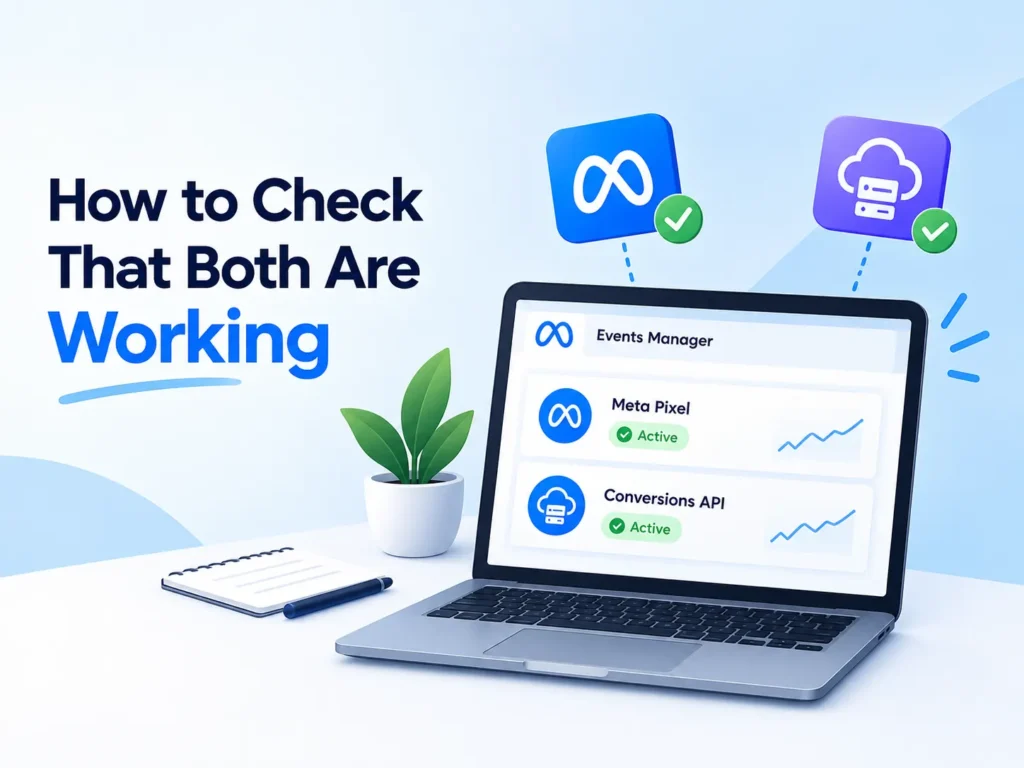
How to Check Your Meta Pixel vs Conversions API Setup
- Open Meta Events Manager and select your Pixel.
- Go to the Test Events tab.
- Perform an action on your website, like submitting a form.
- Check that the event appears with both a Browser and a Server source.
- Look at your Event Match Quality score. A higher score means Meta can match more events to real people, which improves ad delivery.
- Make sure events are not being counted twice.
You can also use the Meta Pixel Helper extension in Chrome to confirm the browser side is firing.
Tips for Better Meta Pixel vs Conversions API Results
- Send the same events from both the Pixel and the Conversions API.
- Include customer details such as email and phone number when you have permission. Meta hashes this data for privacy.
- Keep your event names consistent, like Lead, Purchase and AddToCart.
- Review your setup every month to catch problems early.
- Never send sensitive personal data, and follow privacy laws and consent rules for your audience.
Final Thoughts
In the Meta Pixel vs Conversions API question, you do not have to pick a winner. The Meta Pixel is easy and gives you a good start. The Conversions API makes your tracking stronger and more reliable. Using both gives Meta the best data, and better data means better ad results and a lower cost per lead.
If the Meta Pixel vs Conversions API setup sounds too technical, Tarun Marketing can help. We install the Meta Pixel, set up the Conversions API, fix duplicate events and test everything for you. Contact us today to get accurate tracking for your ads.
Frequently Asked Questions (FAQ)
1. What is Meta Pixel vs Conversions API in simple words? Meta Pixel vs Conversions API is a comparison of two ways to send website actions to Meta. The Pixel sends data from the visitor’s browser, and the Conversions API sends it directly from your server.
2. In Meta Pixel vs Conversions API, which one is better for Facebook ads? Neither works best alone. Meta recommends using both, so the Pixel captures browser events and the Conversions API fills the gaps caused by ad blockers and privacy limits.
3. What is the main difference between the Meta Pixel and the Conversions API? The Pixel sends data from the visitor’s browser. The Conversions API sends data directly from your server.
4. Do I need both the Pixel and the Conversions API? Meta recommends using both. The Pixel gives browser data, and the Conversions API fills in what the browser misses.
5. Is the Conversions API free? Yes, using it is free. You may pay for a developer or a third-party tool to set it up, depending on the method you choose.
6. Will the Conversions API replace the Meta Pixel? No. They work best together. Meta continues to support both.
7. What happens if I use both and my events are counted twice? This means deduplication is not set up correctly. Make sure both send the same event name and event ID.
8. Is the Conversions API hard to set up? It depends on your platform. Partner integrations and the Conversions API Gateway are simple. Manual setup needs a developer.
9. Can the Conversions API track offline sales? Yes. You can send phone orders, in-store sales or CRM leads to Meta so your ads can learn from them.
10. How do I know if the Conversions API is working? Open the Test Events tab in Events Manager and look for events marked with a Server source. Also check your Event Match Quality score.
