

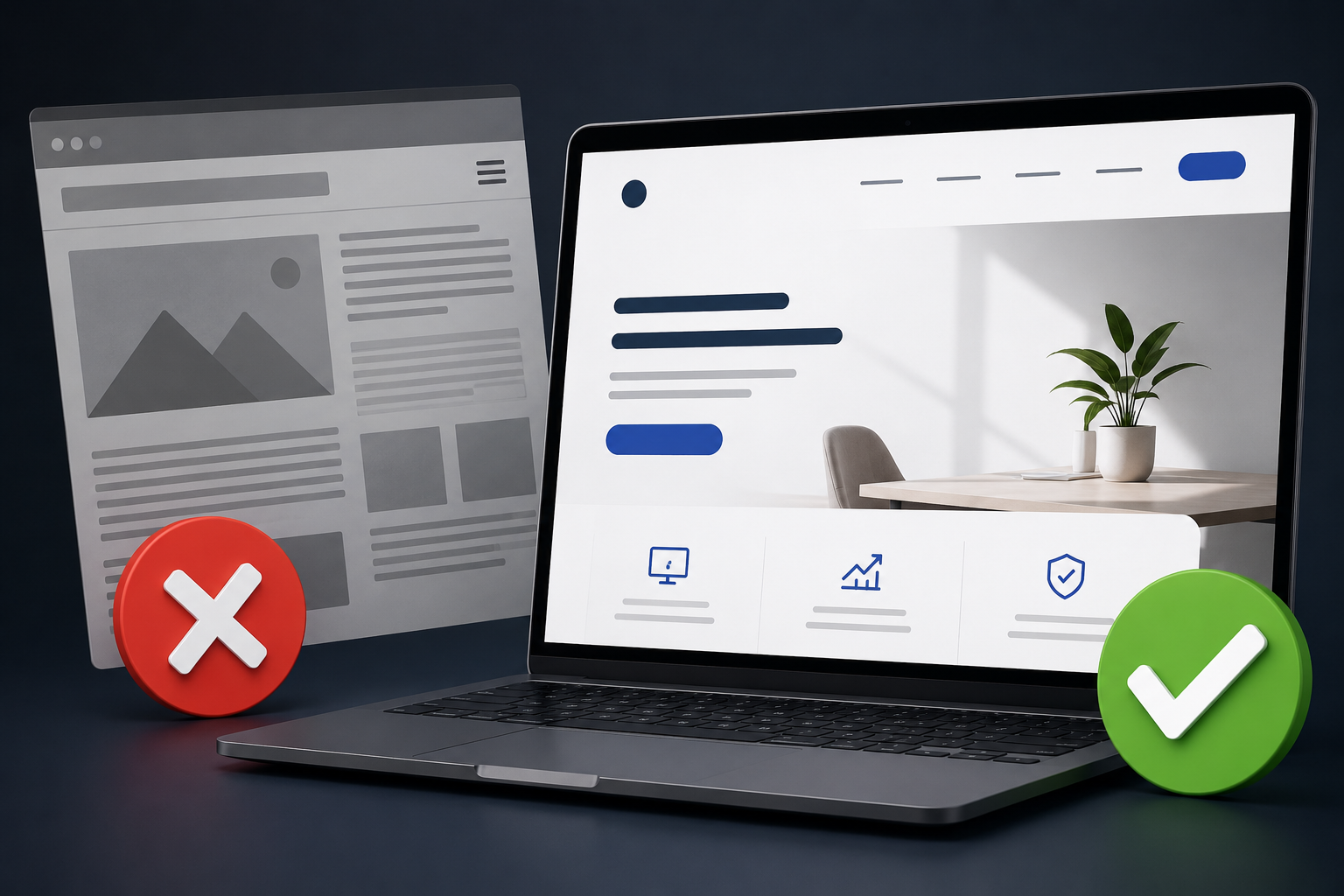
Website Design Mistakes That Reduce Sales (And How to Fix Them)
Your website is more than just an online presence—it is often the first impression potential customers have of your business. A well-designed website builds trust, encourages visitors to explore your products or services, and ultimately converts them into customers. On the other hand, poor website design can drive visitors away within seconds, costing you valuable leads and sales.
Many businesses spend money on digital marketing but overlook the importance of website design. Even if your SEO and advertising campaigns bring traffic, a poorly designed website can prevent visitors from taking action.
In this guide, we’ll explore the most common website design mistakes that reduce sales and provide practical solutions to improve your website’s performance.
Why Website Design Matters for Sales
A professionally designed website helps prevent Website Design Mistakes That Reduce Sales and delivers measurable business results by:
- Building credibility and trust
- Improving user experience
- Increasing conversion rates
- Reducing bounce rates
- Improving search engine rankings
- Encouraging repeat visitors
By avoiding Website Design Mistakes That Reduce Sales, your website not only looks attractive but also guides visitors toward taking action, whether it’s making a purchase, booking a service, or contacting your business.
1. Slow Website Loading Speed
One of the most common Website Design Mistakes That Reduce Sales is a slow-loading website.
Modern users expect websites to load within just a few seconds. If your pages take too long to load, visitors are likely to leave before they even see your content. This increases your bounce rate, negatively impacts user experience, and can also hurt your search engine rankings.
Common Causes
- Large, uncompressed image files
- Too many plugins or third-party scripts
- Poor-quality web hosting
- Unoptimized HTML, CSS, and JavaScript code
- Excessive animations and visual effects
- Too many HTTP requests
- No browser caching or content delivery network (CDN)
How to Fix It
- Compress images before uploading.
- Use modern image formats like WebP.
- Enable browser caching.
- Minify CSS and JavaScript files.
- Choose reliable web hosting.
- Use a Content Delivery Network (CDN).
2. Poor Mobile Responsiveness
More than half of all website traffic comes from mobile devices. If your website isn’t mobile-friendly, you’re losing potential customers.
Common Problems
- Tiny text
- Buttons too small
- Images not resizing
- Horizontal scrolling
- Broken layouts
Solution
Use responsive web design so your website adapts to every screen size, including smartphones and tablets.
3. Confusing Navigation
Visitors should find information quickly.
If your menu is cluttered or confusing, users may leave before exploring your services.
Best Practices
- Keep menus simple
- Use clear labels
- Limit menu items
- Add search functionality
- Highlight important pages
4. Weak Call-to-Action (CTA)
Many websites forget to tell visitors what to do next.
Examples of effective CTAs:
- Get a Free Quote
- Contact Us Today
- Book a Free Consultation
- Shop Now
- Request a Demo
Place CTAs throughout your website, especially above the fold and at the end of important sections.
5. Too Much Text
Visitors usually scan content instead of reading every word.
Avoid:
- Long paragraphs
- Walls of text
- Complicated language
Instead:
- Use headings
- Add bullet points
- Include images
- Write short paragraphs
6. Low-Quality Images
Blurry or outdated images reduce trust.
Invest in:
- Professional photography
- High-quality product images
- Optimized graphics
- Original visuals
Avoid excessive stock photos whenever possible.
7. Poor Color Choices
Colors influence user behavior.
Common mistakes include:
- Low contrast
- Too many colors
- Difficult-to-read text
- Bright backgrounds
Use a consistent brand color palette and ensure sufficient contrast for readability.
8. No Trust Signals
Visitors hesitate to buy if they don’t trust your business.
Add:
- Customer reviews
- Testimonials
- Case studies
- Google Reviews
- Certifications
- Awards
- Security badges
- Client logos
Trust signals reassure visitors that your business is legitimate
9. Complicated Contact Forms
Long forms are one of the Website Design Mistakes That Reduce Sales because they discourage users from completing inquiries or purchases.
Instead of asking for excessive information, request only what you truly need:
- Name
- Phone Number
- Message
Keeping your forms short and simple reduces friction, improves the user experience, and generally leads to higher conversion rates.
10. Poor Website Accessibility
-
Ignoring accessibility is one of the Website Design Mistakes That Reduce Sales because it limits your audience and creates a poor experience for many users. Accessible websites reach more people, improve usability, and often perform better in search engines.
Improve accessibility by:
- Using descriptive alt text for images
- Adding keyboard navigation support
- Ensuring proper color contrast
- Using readable fonts
- Structuring pages with clear headings
Making your website accessible helps create a better user experience, supports SEO, and ensures your content is usable by everyone.
11. Ignoring SEO During Website Design
SEO and website design should work together. Following Google’s Search Essentials can help you create a website that is both user-friendly and search-engine friendly.
Important SEO elements include:
- Optimized page titles
- Meta descriptions
- Proper heading structure
- Internal linking
- Fast loading speed
- Image optimization
- Clean URLs
- Mobile-friendly design
SEO and website design should work together.
12. No Clear Value Proposition
Visitors should immediately understand the purpose of your website. Failing to communicate this clearly is one of the Website Design Mistakes That Reduce Sales.
Your homepage should instantly explain:
- What your business offers
- Who it’s for
- Why they should choose you
Display this information prominently with a compelling headline, clear supporting text, and a strong call-to-action to help visitors quickly understand your value and take the next step.
13. Using Too Many Pop-Ups
While pop-ups can help collect leads, excessive or intrusive pop-ups are one of the Website Design Mistakes That Reduce Sales because they frustrate users and interrupt the browsing experience.
Use pop-ups sparingly and ensure they don’t interfere with navigation, especially on mobile devices. Display them at the right time, make them easy to close, and provide genuine value to encourage engagement without driving visitors away.
14. Outdated Website Design
An outdated website can make your business appear less trustworthy and is one of the common Website Design Mistakes That Reduce Sales. Regularly updating your website with modern design, fresh content, and improved functionality helps build credibility, enhance user experience, and increase customer confidence.
Refresh your design periodically by:
- Updating visuals
- Improving typography
- Enhancing layouts
- Refreshing content
- Ensuring compatibility with modern devices
15. Lack of Internal Linking
Internal links help visitors discover related content and assist search engines in understanding your website structure. When writing about Website Design Mistakes That Reduce Sales, link to related articles that provide additional value. For example, if you discuss website speed, link to a detailed blog about improving website performance. Similarly, connect articles about SEO, content marketing, user experience, or conversion optimization where relevant to help readers explore the topic further and improve your site’s overall SEO.
Website Design Best Practices
To maximize conversions, your website should:
- Load quickly
- Be mobile-friendly
- Have intuitive navigation
- Include clear CTAs
- Display trust signals
- Use high-quality visuals
- Follow SEO best practices
- Be accessible to all users
- Feature consistent branding
- Offer a seamless user experience
Final Thoughts
A visually appealing website is important, but Website Design Mistakes That Reduce Sales often prevent businesses from turning visitors into customers. The most successful websites combine attractive design with fast performance, easy navigation, clear messaging, and a strong focus on user experience.
By identifying and fixing these Website Design Mistakes That Reduce Sales, you can improve visitor engagement, increase conversions, and generate more leads for your business. Regularly review your website, gather user feedback, and make ongoing improvements to stay competitive in today’s digital landscape.
FAQ
1. What is the biggest website design mistake?
Slow loading speed is one of the most significant Website Design Mistakes That Reduce Sales because it negatively impacts user experience, search engine rankings, and conversion rates. A fast-loading website keeps visitors engaged, reduces bounce rates, and increases the likelihood that users will take action, whether it’s making a purchase, submitting an inquiry, or booking a service.
2. How does mobile-friendly design affect sales?
A responsive website provides a better experience for mobile users, helping reduce bounce rates and increase conversions.
3. Why are call-to-action buttons important?
Clear and compelling CTAs (Call-to-Action buttons) help visitors take the next step, whether it’s contacting your business, making a purchase, requesting a quote, or booking a service. Including effective CTAs is one of the best ways to avoid Website Design Mistakes That Reduce Sales, as they guide users toward conversion and improve your website’s overall performance.
4. Does website design impact SEO?
Yes. Factors such as page speed, mobile responsiveness, navigation, and accessibility influence both user experience and search engine rankings.
5. How often should I redesign my website?
Review your website regularly to identify Website Design Mistakes That Reduce Sales and ensure it continues to meet modern standards. Consider a major redesign every 2–3 years or whenever your branding, technology, or user expectations change significantly. Keeping your website updated improves user experience, boosts conversions, and helps maintain strong search engine rankings.
)