

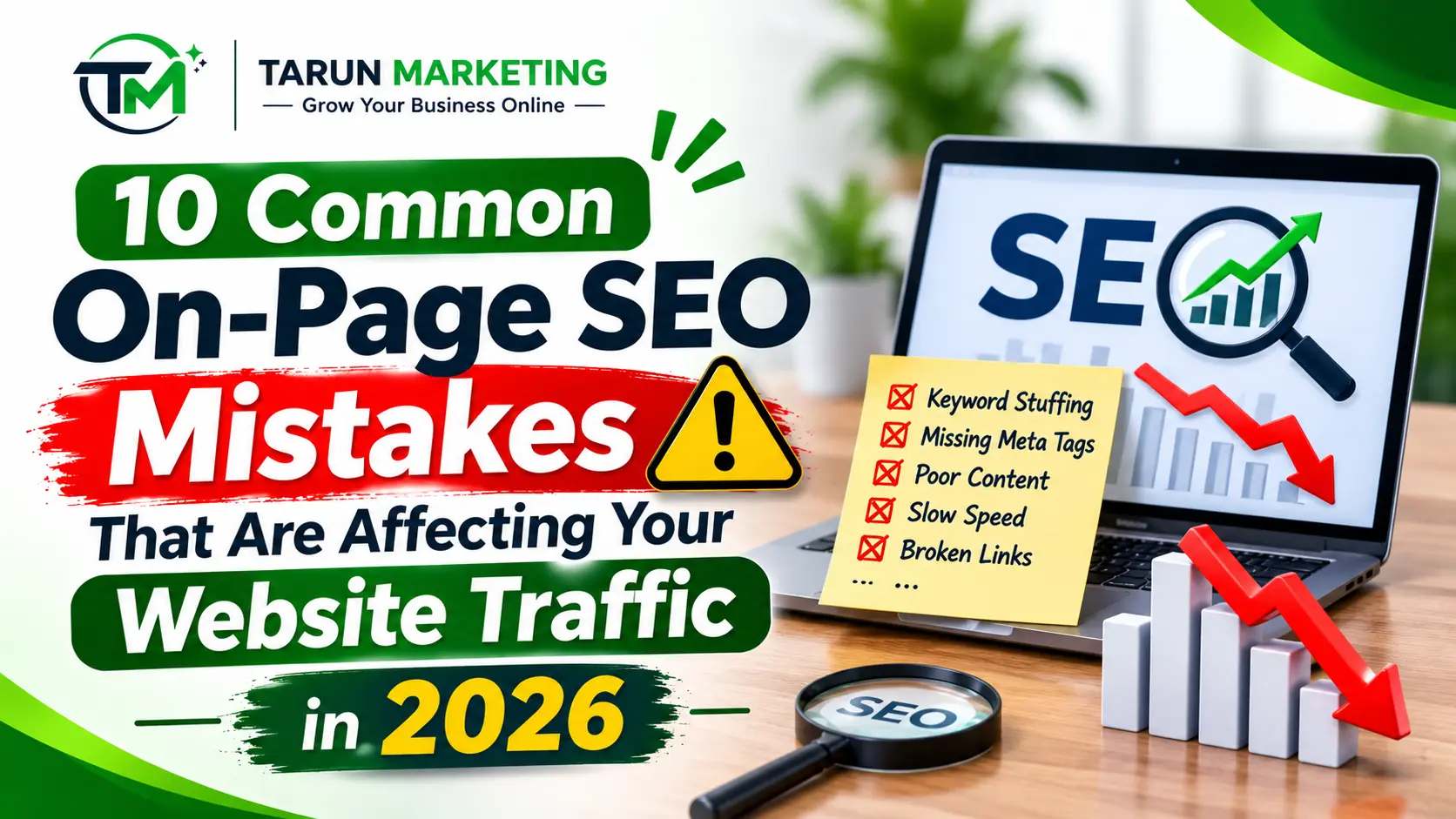
Getting organic traffic is one of the biggest goals for every website owner. Businesses invest time and money in creating content, designing websites, and promoting their services. However, many websites still struggle to attract visitors from search engines. One major reason behind this problem is common On-Page SEO Mistakes that affect website visibility and user experience.
On-page SEO plays an important role in helping search engines understand website content. It includes optimizing page titles, meta descriptions, headings, keywords, images, URLs, and internal links. When these elements are not properly optimized, search engines and visitors may find it difficult to understand your website.
In 2026, businesses need to focus on creating useful content and providing a better browsing experience. Avoiding On-Page SEO Mistakes can help improve website quality and support long-term organic growth.
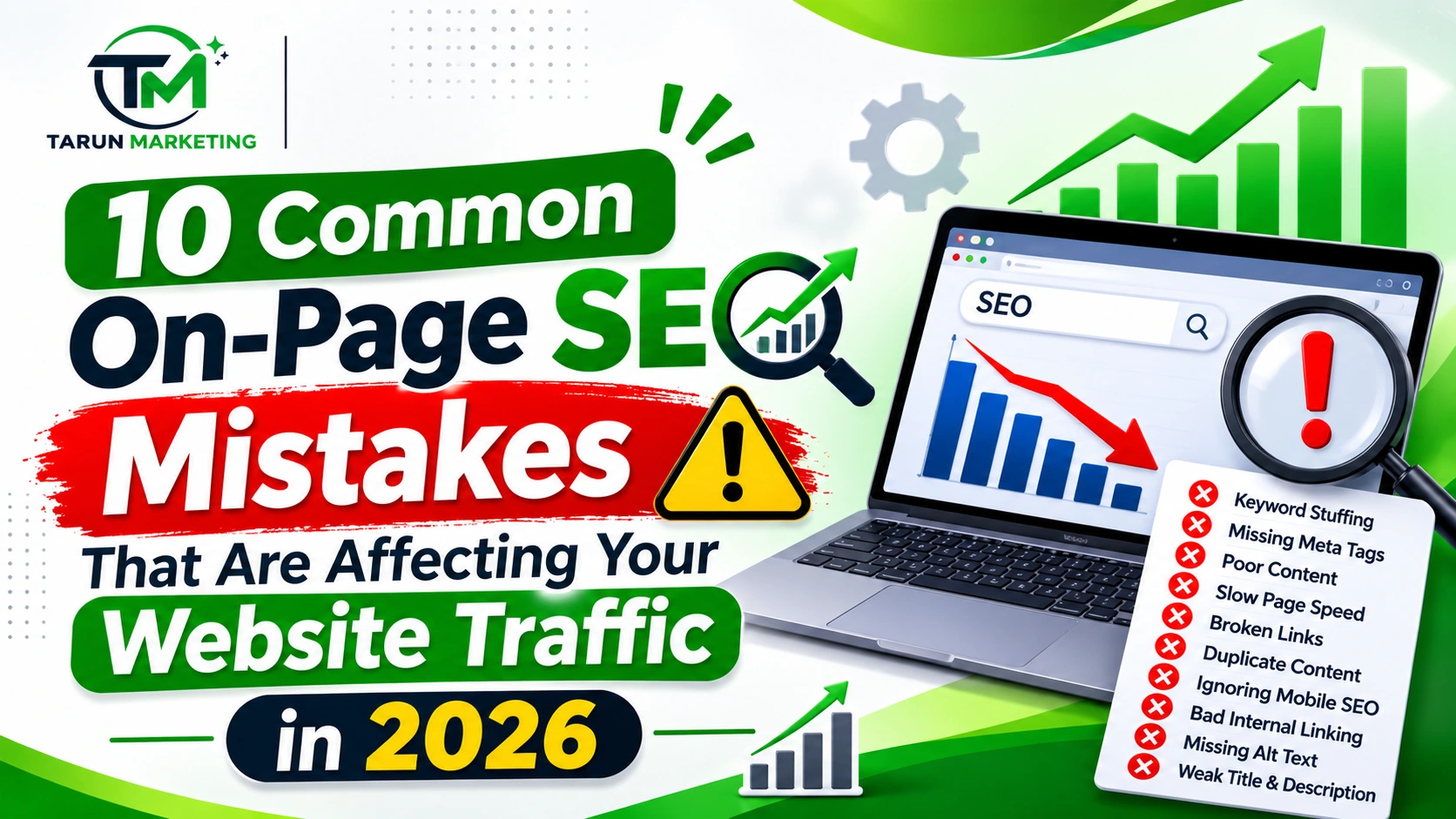
In this article, we will explore 10 common On-Page SEO Mistakes that may affect your website traffic and explain how to fix them effectively.
What Is On-Page SEO?
On-page SEO is the process of optimizing individual website pages to improve their visibility in search engine results. It helps search engines understand the content and relevance of each page.
Some important elements of on-page SEO include:
- Keyword placement and optimization
- SEO-friendly page titles
- Meta descriptions
- Proper heading structure
- Internal linking
- Image optimization
- Content quality
- Mobile-friendly design
A well-optimized website makes it easier for visitors to find information and navigate between different pages.
10 Common On-Page SEO Mistakes to Avoid in 2026
1. Keyword Stuffing in Website Content
Keyword stuffing is one of the most common On-Page SEO Mistakes. It happens when website owners repeat the same keyword excessively in an attempt to improve search engine rankings.
For example, using the phrase “Digital Marketing Agency” in almost every sentence can make an article sound unnatural and difficult to read.
Search engines focus on understanding content relevance rather than simply counting keyword repetitions.
How to fix it:
- Use your primary keyword naturally.
- Include relevant secondary keywords.
- Add related search terms.
- Write useful information for readers.
- Avoid unnecessary keyword repetition.
Your main keyword should appear in important places, such as the title, introduction, relevant headings, and conclusion, wherever it fits naturally.
2. Writing Poor SEO Titles and Meta Descriptions
Page titles and meta descriptions help users understand what a webpage is about before visiting it.
Many website owners create duplicate titles, missing meta descriptions, or descriptions that do not explain the page properly. These are important On-Page SEO Mistakes that can reduce the attractiveness of your search listings.
How to fix it:
- Write a unique title for every important page.
- Include the primary keyword naturally.
- Create clear and descriptive meta descriptions.
- Explain the actual value of the page.
- Avoid misleading titles and descriptions.
A good title should accurately describe the page and encourage relevant users to explore your website.
3. Ignoring Proper Heading Structure
Headings organize website content into different sections. They help visitors scan information and understand the main topics covered in an article.
Using heading tags incorrectly can make content difficult to understand. Some websites use multiple headings without a logical structure.
How to fix it:
- Use a clear H1 heading for the main topic.
- Use H2 headings for major sections.
- Use H3 headings for supporting sections.
- Keep headings relevant to the content.
- Include keywords naturally in suitable headings.
A proper heading structure improves readability and makes your content easier to navigate.
4. Using Long and Unoptimized URLs
Website URLs should be simple, descriptive, and easy to understand. Long URLs containing unnecessary words, numbers, and complicated characters can create a poor user experience.
For example:
Poor URL: example.com/blog/12345/complete-guide-to-on-page-seo-mistakes-2026
Better URL: example.com/on-page-seo-mistakes
How to fix it:
- Create short and descriptive URLs.
- Use relevant keywords.
- Separate words with hyphens.
- Avoid unnecessary numbers and symbols.
- Keep URLs related to the page topic.
SEO-friendly URLs help visitors understand the content of a webpage before opening it.
5. Publishing Low-Quality or Duplicate Content
Content quality is essential for building a successful website. Publishing articles without proper research or copying information from other websites can reduce the value of your content.
Low-quality content often includes repeated information, incomplete explanations, outdated facts, and unnecessary paragraphs.
This is another important example of On-Page SEO Mistakes that businesses should avoid.
How to fix it:
- Research your topic before writing.
- Provide original and useful information.
- Answer common audience questions.
- Add relevant examples and practical tips.
- Update outdated information.
- Organize content with clear headings.
Focus on creating helpful, reliable, and people-first content instead of publishing articles only to increase website word count.
6. Not Optimizing Images Properly
Images improve the appearance of website pages and help explain information visually. However, large image files can affect loading performance, while missing alternative text can make images less accessible.
Many businesses upload images without compression or descriptive file names.
Also Read – What Are Keywords? Types of Keywords Explained with Examples
How to fix it:
- Compress images before uploading.
- Use suitable formats such as WebP.
- Add meaningful image alt text.
- Use descriptive file names.
- Avoid unnecessarily large image dimensions.
- Place images near relevant content.
For example, use on-page-seo-mistakes.jpg instead of a generic file name such as IMG1234.jpg.
Proper image optimization can improve accessibility and support a better website experience.
7. Ignoring Internal Linking
Internal linking means connecting one page of your website to another relevant page. It helps visitors discover more information and allows search engines to find other pages on your website.
Ignoring internal links is one of the On-Page SEO Mistakes that can make website navigation less effective.
For example, if you publish an article about SEO, you can link it to your SEO services page or another related blog post.
How to fix it:
- Link relevant articles together.
- Connect blog posts with service pages.
- Use descriptive anchor text.
- Link to useful and related resources.
- Avoid unnecessary links.
A strong internal linking strategy helps visitors explore your website and understand the relationship between different pages.
8. Not Making Your Website Mobile-Friendly
A large number of people browse websites using smartphones and tablets. If your website does not display properly on smaller screens, visitors may struggle to read content or use different features.
A poor mobile experience can reduce user satisfaction and make it harder for potential customers to interact with your business.
How to fix it:
- Use responsive website design.
- Make text easy to read.
- Ensure buttons are easy to click.
- Avoid horizontal scrolling.
- Test pages on different screen sizes.
- Check mobile performance regularly.
A mobile-friendly website provides a consistent experience and makes your content accessible to more users.
9. Ignoring Website Loading Speed
Website speed is an important part of the user experience. Visitors generally expect websites to load quickly and display content without unnecessary delays.
Large images, unnecessary scripts, poor hosting, and excessive plugins can contribute to slow website performance.
Ignoring website speed is another On-Page SEO Mistake that can affect your website’s overall quality.
How to fix it:
- Compress large images.
- Reduce unnecessary scripts.
- Use reliable hosting.
- Enable suitable caching.
- Remove unused plugins.
- Monitor Core Web Vitals.
You can use Google PageSpeed Insights to test your website and identify performance improvement opportunities.
10. Forgetting to Update Old Website Content
Publishing new articles is useful, but updating existing content is equally important. Some websites contain outdated information, broken links, old statistics, and irrelevant examples.
These problems can reduce the usefulness of your pages.
How to fix it:
- Review older articles regularly.
- Update outdated information.
- Replace broken links.
- Add relevant examples.
- Improve unclear paragraphs.
- Check whether the content matches current search intent.
Regular content updates help maintain accuracy, relevance, and usefulness for your website visitors.
Best Tools to Identify On-Page SEO Mistakes in 2026
Finding optimization problems is the first step toward improving website performance. Several tools can help you identify issues and monitor your progress.
1. Google Search Console: Helps monitor search performance, indexing information, and website search queries.
2. Google PageSpeed Insights: Helps analyze website speed and Core Web Vitals.
3. Google Analytics: Helps understand visitors, traffic sources, and user engagement.
4. Ahrefs: Provides SEO analysis, keyword research, and backlink information.
5. Semrush: Helps with keyword research, website audits, and competitor analysis.
Using these tools regularly can help you identify On-Page SEO Mistakes and improve your website optimization strategy.
Why Fixing On-Page SEO Mistakes Is Important
Fixing on-page optimization problems can improve the overall quality of your website. It helps visitors find useful information and makes your pages easier to understand.
Some important benefits include:
- Better content organization.
- Improved website navigation.
- More useful and readable content.
- Better image accessibility.
- Improved mobile experience.
- Easier search engine discovery.
- Stronger organic search visibility.
However, fixing On-Page SEO Mistakes does not guarantee first-page rankings. Search performance also depends on competition, content relevance, technical SEO, website authority, and other factors.
Conclusion
On-page SEO is an essential part of building a successful online presence. Common On-Page SEO Mistakes such as keyword stuffing, poor meta descriptions, unoptimized images, missing internal links, and slow-loading pages can affect your website’s quality and visibility.
By identifying and correcting these problems, businesses can create more useful pages, improve user experience, and support long-term SEO growth.
Regular website audits, quality content, proper keyword placement, and mobile-friendly design are important practices for maintaining a strong website in 2026.
At Tarun Marketing, we help businesses improve their online presence through Search Engine Optimization (SEO), Web Design & Development, Social Media Marketing, Search Engine Marketing (SEM), and Graphic Design.
Start optimizing your website today and avoid common On-Page SEO Mistakes to build a stronger digital presence and attract more potential customers.
