

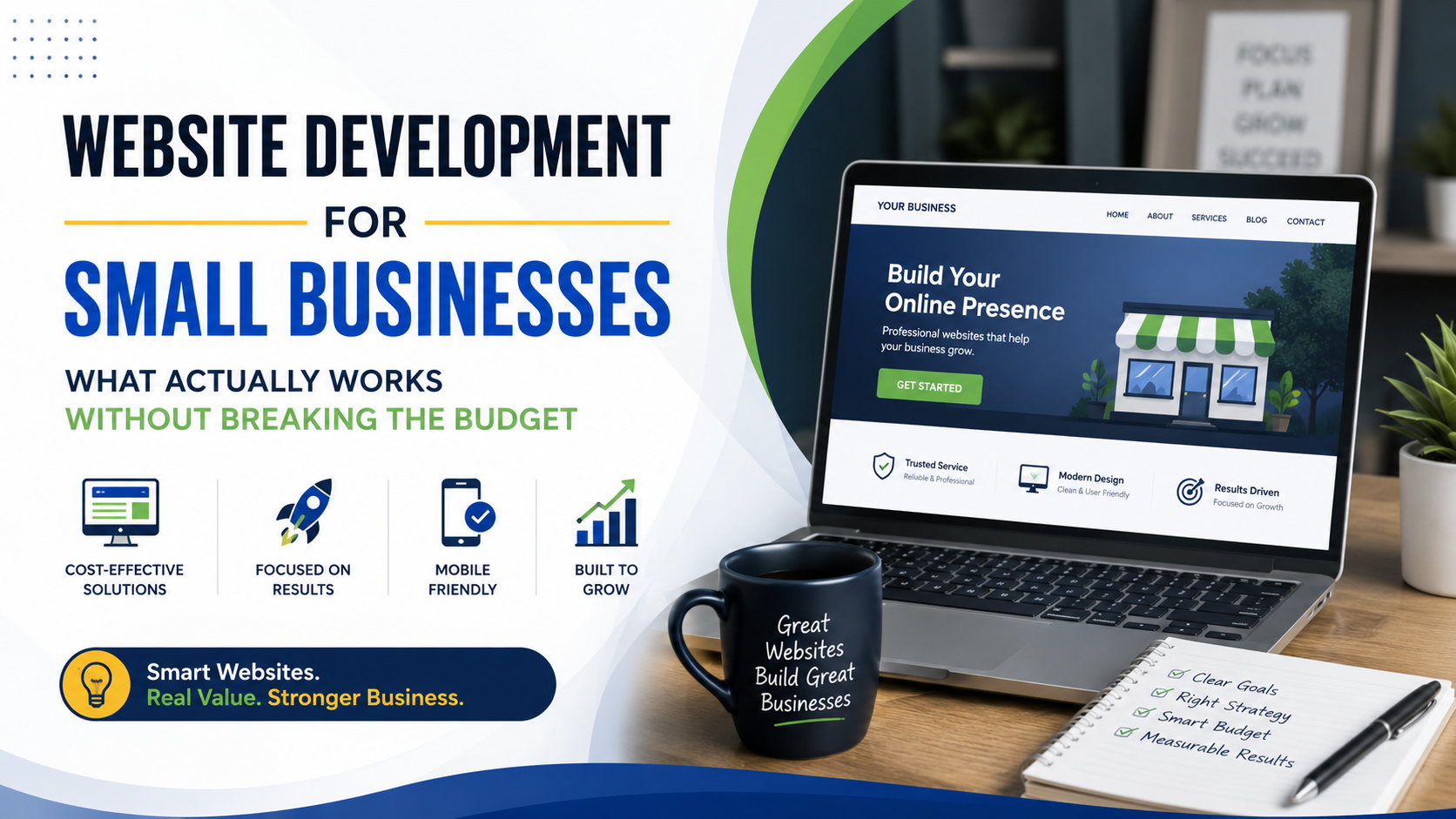
Website Development for Small Businesses: Proven Budget-Friendly Guide
Website development for small businesses doesn’t have to mean choosing between a professional site and an affordable one. Many business owners assume a quality website requires a massive budget, but the truth is that smart planning and the right priorities matter far more than how much you spend. Understanding what actually works can save you thousands while still delivering a site that attracts and converts customers.
Why Small Businesses Overspend on Website Development
Many small businesses end up paying for features they don’t need — complex animations, custom-built systems, or unnecessary pages — while missing the fundamentals that actually drive results. Website development for small businesses should prioritize speed, mobile usability, and clear calls to action over flashy design elements that add cost without adding value. According to Google’s PageSpeed Insights documentation, page speed and mobile usability are among the most important ranking and conversion factors, regardless of business size.
Start With a Clear Purpose for Your Website
Before building anything, define exactly what your website needs to do — generate leads, showcase a portfolio, sell products, or provide information. A focused website with a clear goal is far more effective than one trying to do everything at once. This clarity also keeps website development for small businesses projects on budget, since it prevents scope creep during the design and build process.
Choose the Right Platform for Your Needs
Not every small business needs a fully custom-coded website. Platforms like WordPress, combined with well-built themes, can deliver a professional, fast, and easily manageable site at a fraction of custom development costs. Custom development makes sense for businesses with unique functionality needs, but for most small businesses, a well-optimized CMS-based site is the smarter investment.
Prioritize Mobile-First Design
The majority of local searches and purchase decisions now happen on mobile devices. A website that isn’t fully optimized for mobile — with fast loading times, easy navigation, and readable text without zooming — will lose customers regardless of how good the desktop version looks. Mobile-first design should be a non-negotiable part of any website development for small businesses project.
Don’t Skip Basic SEO During Development
Many small business websites are built without any thought given to search visibility, requiring costly fixes later. Building SEO fundamentals into the development process — clean URL structures, proper heading tags, fast load times, and mobile responsiveness — saves money in the long run and ensures your site can actually be found by potential customers.
Keep the Design Simple and Purposeful
Overly complex designs often slow down websites and confuse visitors. Clean layouts, clear navigation, and strategic use of white space typically perform better than cluttered pages packed with unnecessary elements. Simplicity in website development for small businesses often correlates directly with better user experience and higher conversion rates.
Invest in Quality Hosting
Cheap, unreliable hosting can undo even the best-designed website through slow load times and frequent downtime. Reliable hosting is one area where it’s worth spending a bit more, since site speed and uptime directly affect both user experience and search engine rankings.
Include Clear Calls to Action on Every Page
A website without clear calls to action — like “Call Now,” “Get a Quote,” or “Book a Consultation” — often fails to convert visitors into customers, no matter how well-designed it is. Every page should guide visitors toward a specific next step relevant to your business goals.
Plan for Ongoing Maintenance
A website isn’t a one-time expense. Security updates, content refreshes, and periodic performance checks keep a site running smoothly and safely. Budgeting for basic maintenance from the start prevents larger, more expensive problems down the line and protects your investment in website development for small businesses.
Use Analytics to Guide Future Improvements
Once your website is live, tools like Google Analytics reveal how visitors actually use your site — which pages perform well, where visitors drop off, and what content drives conversions. This data helps you make informed, cost-effective improvements over time rather than guessing what needs to change.
Final Thoughts
Effective website development for small businesses comes down to prioritizing what actually drives results — speed, mobile usability, clear purpose, and ongoing optimization — rather than chasing unnecessary features. A well-planned, purpose-built website often outperforms an expensive, over-engineered one, especially when paired with strong SEO fundamentals from day one.
Looking for a website that’s built to convert without overspending? Explore our web development services designed specifically for growing small businesses.
FAQ
1. How long does website development for small businesses usually take?
A simple business website usually takes two to four weeks. Larger sites with online stores, booking systems or custom features can take six weeks or more. The biggest cause of delay is usually content (text, photos, logo) arriving late, not the development itself.
2. What pages should a small business website include?
Most small businesses need five core pages: Home, About, Services, Contact, and a page for testimonials or past work. Adding a blog later helps with SEO and shows customers you know your field.
3. Should I choose a website builder or a custom site for website development for small businesses?
For most small businesses, a CMS like WordPress or a good website builder is enough. Custom coding makes sense only when you need unusual features that standard tools can’t offer, since it costs more and takes longer to maintain.
4. Can I update my website myself after development is complete?
Yes, if it’s built on a CMS like WordPress. You can usually edit text, images and blog posts yourself without any coding. Ask your developer for a short training session or a simple guide before the site goes live.
5. Why is page speed important in website development for small businesses?
Visitors leave slow sites quickly, and Google also takes speed into account when ranking pages. Compressed images, clean code and reliable hosting from the start are much easier than fixing a slow site later.
6. What is the difference between website design and website development?
Design is how the site looks: colours, layout and fonts. Development is how it works: building the pages, making them mobile-friendly, adding forms and making sure everything loads properly. A good small business site needs both.
7. Do I need to buy hosting and a domain separately?
Usually yes. The domain is your website address (like yourbusiness.com) and hosting is where your site’s files live. Some agencies include both in their package, so ask what is included before you sign anything.
8. How can I keep a small business website secure?
Keep your CMS, themes and plugins updated, use strong passwords, install an SSL certificate (the padlock in the browser) and take regular backups. Good website development for small businesses includes these basics from day one.
