

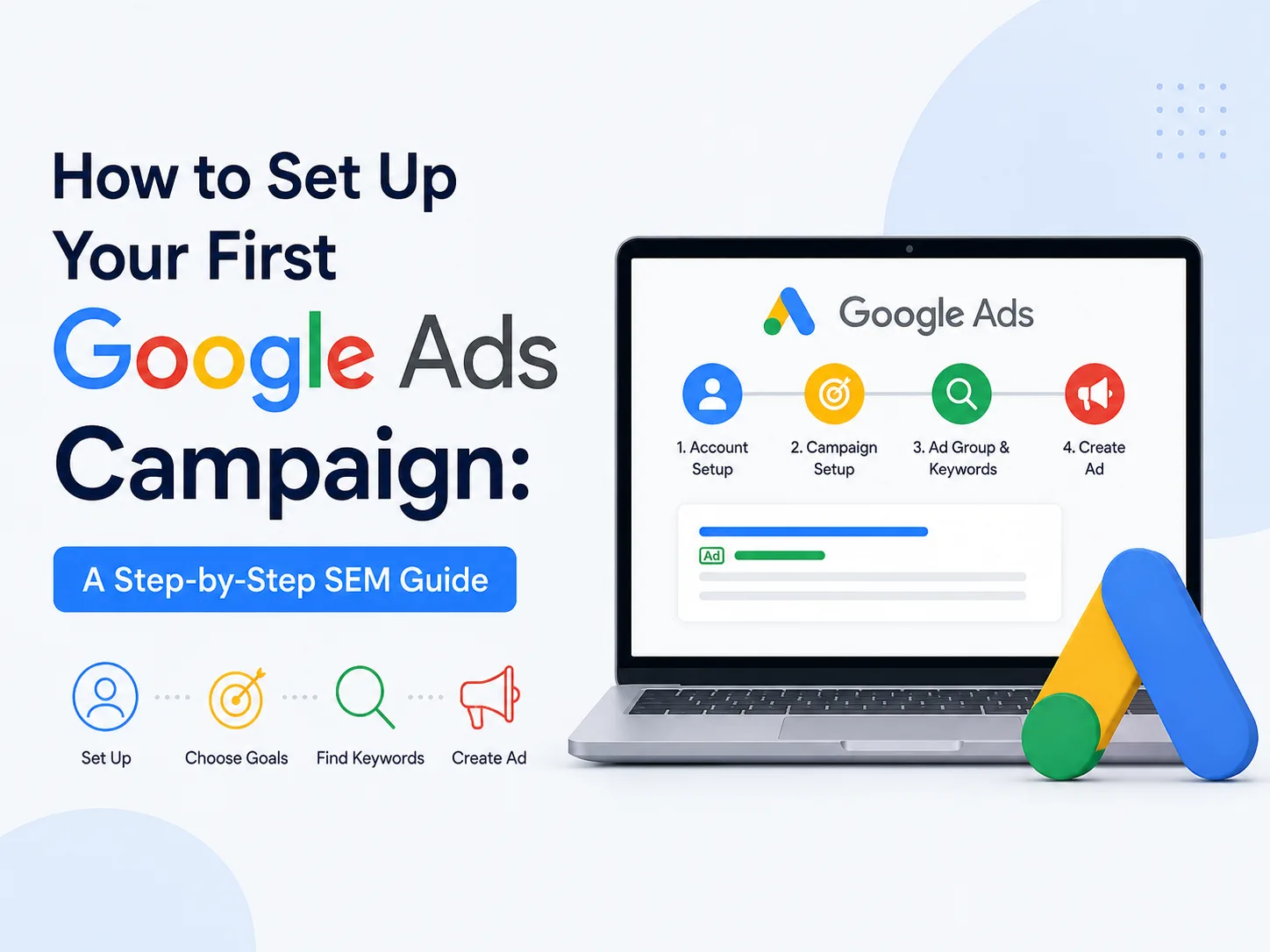
How to Set Up Your First Google Ads Campaign: A Step-by-Step SEM Guide
Getting your business noticed online doesn’t always have to be a slow game. While SEO builds momentum over months, a properly built Google Ads campaign can put your business in front of ready-to-buy customers within a few hours of hitting publish.
That said, the platform isn’t exactly intuitive the first time you open it. There are settings, bidding options, and terminology that can trip up even the most tech-savvy business owner. This guide walks you through the process in plain language, step by step, so your first campaign gets off on the right foot.
Why Small Businesses Should Care About Google Ads
Every day, millions of people type exactly what they need into Google’s search bar — “AC repair near me,” “best bakery in town,” “affordable web designer.” A well-structured Google Ads campaign puts your business right in front of those searchers at the exact moment they’re looking. And because you’re billed only when someone actually clicks (known as PPC, or pay-per-click), your spend is tied directly to real interest, not just visibility.
Step 1: Create Your Account
Head to ads.google.com and sign in with a Google account to get started. You’ll be asked what you want your campaign to achieve — for a first-timer, “Get more website sales or sign-ups” is usually the safest choice. From there, add your business name, site URL, and payment details to finish setup.
Step 2: Get Clear on What You’re Trying to Achieve
Before touching any settings, decide what a “win” looks like for your business. Are you after:
- More visitors landing on your site?
- More phone calls coming in?
- More completed purchases?
- More leads filling out a contact form?
This decision shapes everything that follows, since Google’s ad delivery system optimizes toward whatever goal you select.
Step 3: Select a Campaign Type That Fits
New advertisers often get overwhelmed by the number of campaign formats available, but two options make the most sense when you’re starting out:
- Search Campaigns – Plain-text ads triggered by relevant keyword searches. Ideal for local, service-based businesses.
- Performance Max – A more automated, AI-driven format that spreads your ads across Search, YouTube, Gmail, and Display simultaneously.
For your very first campaign, stick with Search — it gives you more visibility into what’s actually happening and is easier to troubleshoot.
Step 4: Build a Smart Keyword List
Keywords determine when your ad shows up, so getting this right matters. Google’s free Keyword Planner is a good starting point for researching what your customers actually type into search.
A few practical tips:
- Favor specific phrases over broad ones — “24-hour emergency plumber” beats a generic “plumber”
- Add negative keywords so your ad doesn’t show for irrelevant searches (for instance, excluding “careers” or “jobs” if you’re not hiring)
- Group closely related keywords into their own tightly focused ad sets rather than lumping everything together
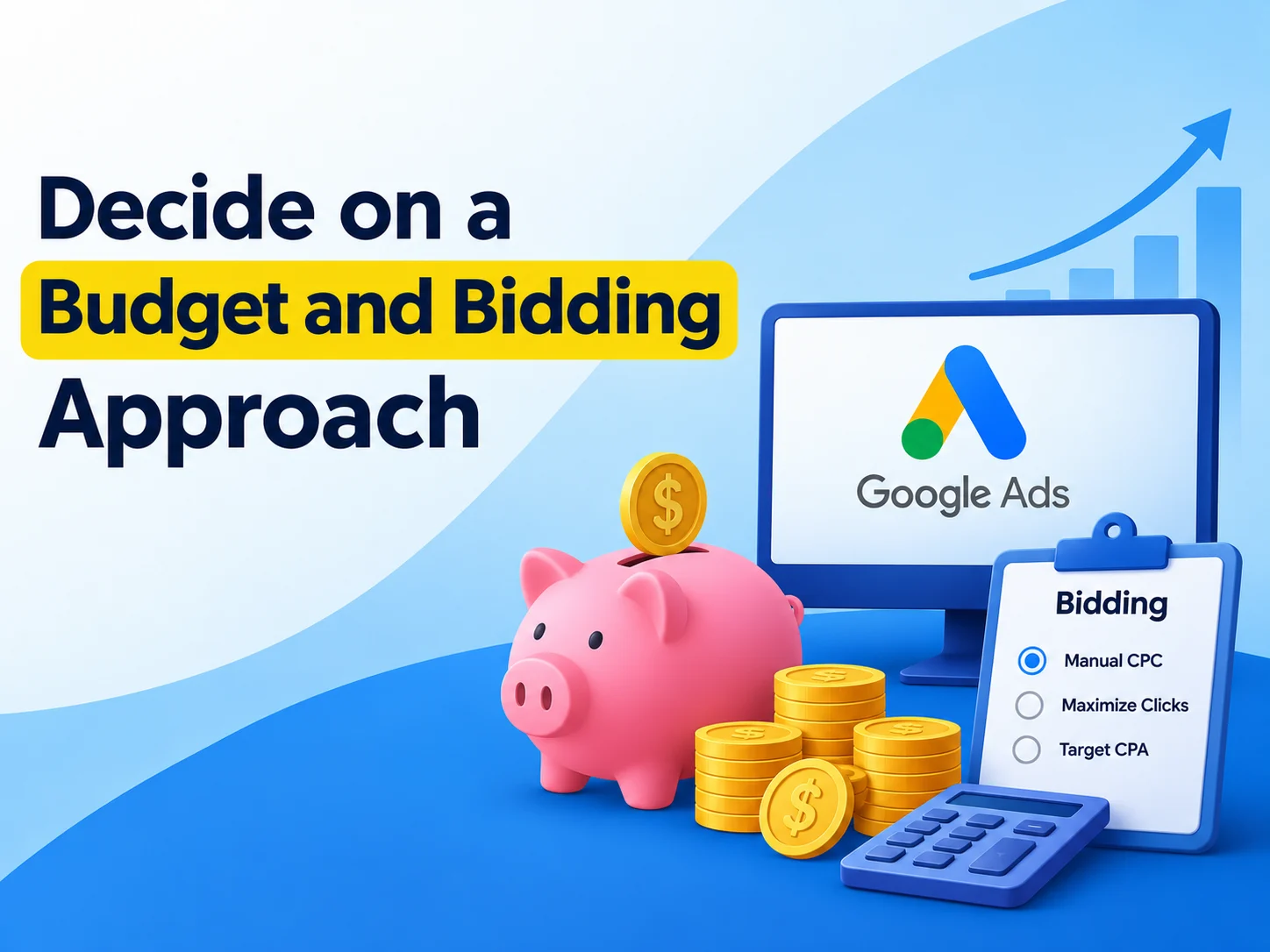
Step 5: Decide on a Budget and Bidding Approach
You don’t need thousands of rupees to get useful data. A daily budget of ₹500–₹1000 is often enough to start learning what works for your business.
For your bidding strategy, two beginner-friendly options stand out:
- Maximize Clicks – A solid choice early on, since it prioritizes traffic while you’re still gathering data
- Manual CPC – Better suited once you’ve got a feel for your numbers and want tighter control over spend
Step 6: Craft Ads That Actually Get Clicked
Your ad copy has a split second to earn attention. The strongest ads typically combine:
- A headline that includes your target keyword naturally
- A concrete benefit or offer — think “Same-Day Appointments Available” rather than vague claims
- A direct call-to-action, like “Book Now” or “Request a Free Quote”
Write a few different versions of your ad text so Google’s system can test which one resonates best with your audience.
Step 7: Don’t Skip Conversion Tracking
This step gets overlooked constantly, but it’s arguably the most important one. Conversion tracking shows you what happens after the click — did that visitor call your business, submit a form, or complete a purchase? Skip this, and you’re essentially guessing whether your ads are working. Setting it up usually just means adding a small tracking snippet to your website, either directly or through Google Tag Manager.
Step 8: Go Live and Keep an Eye on Performance
Once your settings look right, review everything one last time and launch. But the real work starts after that. Check in on your campaign regularly during the first couple of weeks, paying attention to:
- Click-through rate (CTR)
- Cost per click (CPC)
- Overall conversion rate
Use what you learn to tweak keywords, adjust your budget, or refresh ad copy that isn’t pulling its weight.
Wrapping Up
Launching your first Google Ads campaign is far more manageable than it looks from the outside. Start with a modest budget, pay close attention to your results, and make small, informed adjustments along the way. Over time, that steady process of testing and refining turns into a dependable channel for new customers.
Prefer to hand this off to someone who does it daily? Tarun Marketing helps small businesses run Google Ads campaigns that actually deliver — get in touch for a free consultation.
Frequently Asked Questions (FAQ)
- What is a Google Ads campaign? A Google Ads campaign is a structured set of ads, keywords, and budget settings used to show your business to people searching on Google. It’s the foundation of any Google Ads account.
- How do I set up a Google Ads campaign? You set up a Google Ads campaign by choosing a campaign goal, selecting a campaign type, adding relevant keywords, setting a daily budget, and writing ad copy — all inside your Google Ads account.
- What is a good budget for a Google Ads campaign? Most small businesses start a Google Ads campaign with ₹500–₹1500 per day, then adjust the budget based on how well it performs.
- How long does a Google Ads campaign take to show results? A Google Ads campaign can start driving traffic within hours of launching, since it’s paid advertising rather than organic search ranking.
- What makes a Google Ads campaign successful? A successful Google Ads campaign combines targeted keywords, clear ad copy, a sensible budget, and regular monitoring of performance metrics like CTR and conversions.
- Do I need a website to run a Google Ads campaign? In most cases, yes — a Google Ads campaign typically needs a website or landing page for users to land on after clicking, with call-only campaigns being the main exception.
- How do I know if my Google Ads campaign is working? Check your Google Ads campaign’s click-through rate, cost per click, and conversion rate. If clicks are converting at a reasonable cost, the campaign is doing its job.
- Should I run a Google Ads campaign instead of focusing on SEO? A Google Ads campaign delivers fast, paid visibility, while SEO builds free, long-term rankings — many businesses run both together for the best results.
