

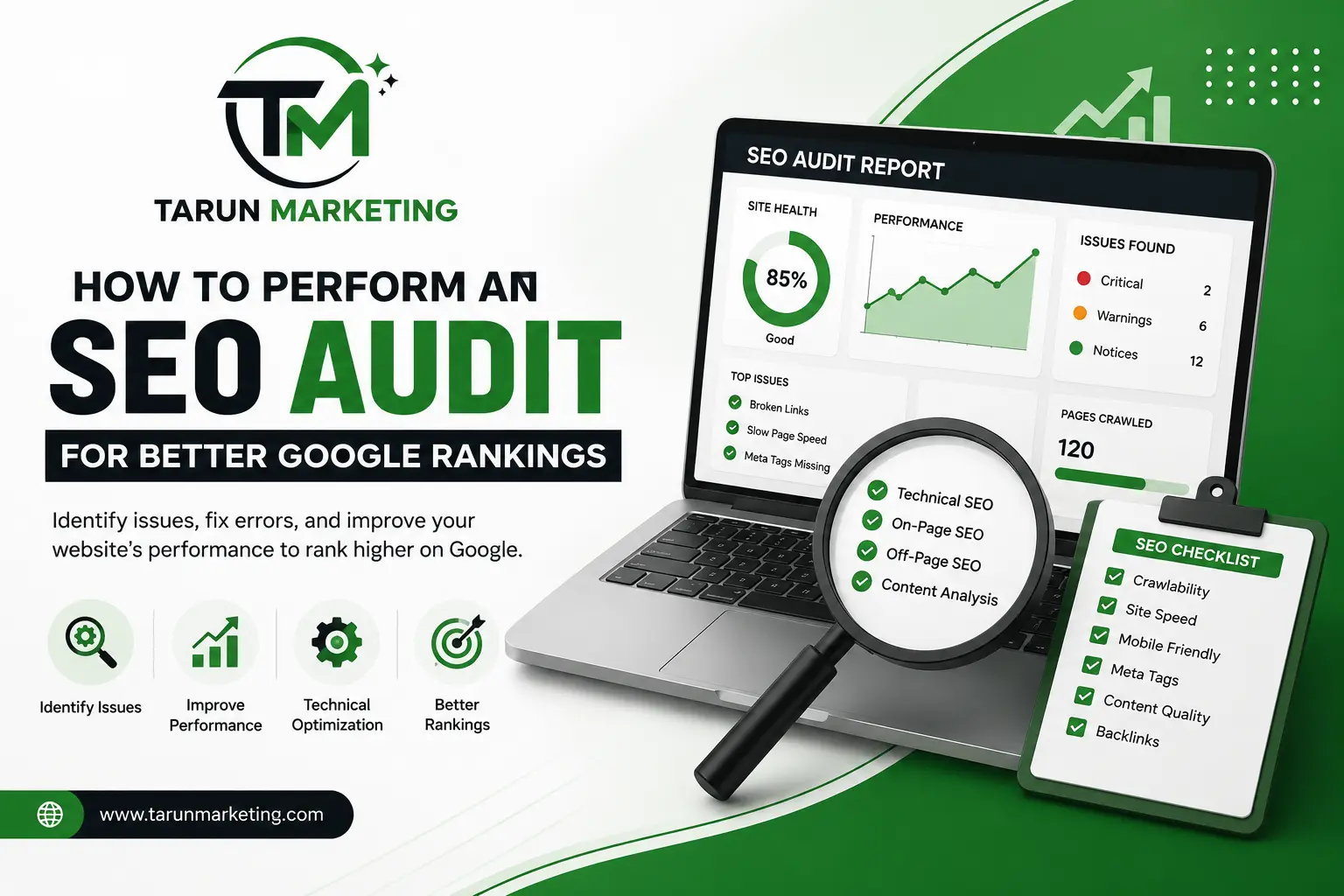
How to Perform an SEO Audit for Better Google Rankings
SEO Audit is one of the most effective ways to improve your website’s visibility on search engines like Google. If your website is not attracting enough visitors or ranking well in search results, conducting an SEO Audit helps identify technical issues, content gaps, and optimization opportunities that may be affecting your rankings.
Many websites have quality content but still struggle to perform because of slow loading speeds, broken links, poor mobile optimization, or missing SEO elements. A complete website review helps you discover these issues before they begin affecting your traffic and user experience.
In this guide, you will learn what an SEO Audit is, why it is important, and the essential steps you should follow to improve your website’s performance and search engine rankings.
What Is an SEO Audit?
An SEO Audit is a detailed evaluation of your website that identifies problems affecting its performance in search engines. It reviews technical SEO, on-page optimization, content quality, website structure, and user experience to determine what needs improvement.
Think of it as a complete inspection of your website. Instead of guessing why your rankings have dropped, an audit provides clear insights into the issues that need attention.
A proper website review examines:
- Website speed
- Mobile responsiveness
- Broken links
- Meta titles and descriptions
- Keyword optimization
- Content quality
- Technical SEO
- Internal linking
- Backlink profile
Regular audits help your website stay updated with Google’s latest recommendations while improving overall performance.
Why Is an SEO Audit Important?
Performing an SEO Audit regularly provides valuable insights into how your website is performing and where improvements can be made.
Some of the major benefits include:
- Better Google rankings
- Increased organic traffic
- Improved website performance
- Faster page loading speed
- Better user experience
- Stronger technical SEO
- Higher conversion opportunities
- Easier website maintenance
Ignoring small website issues today can lead to lower rankings and reduced traffic in the future. Regular reviews help prevent these problems before they become serious.
Step 1: Check Website Crawlability
The first step is making sure search engines can crawl and index your website correctly.
Google uses automated bots to discover pages. If these bots cannot access important pages, your content may never appear in search results.
Review the following:
- XML Sitemap
- robots.txt file
- Crawl errors
- Blocked pages
- Indexing status
Submitting an updated XML sitemap through Google Search Console makes it easier for search engines to discover new content.
Step 2: Analyze Website Speed
Website speed is an important ranking factor because users expect pages to load quickly. A slow website often leads to higher bounce rates and lower conversions.
During your website audit, review:
- Page loading speed
- Large image files
- Browser caching
- CSS optimization
- JavaScript optimization
- Server response time
Compressing images, reducing unnecessary code, and using browser caching can significantly improve website performance.
Step 3: Ensure Mobile Friendliness
Google uses mobile-first indexing, meaning it primarily evaluates the mobile version of your website before ranking it.
Check whether your website:
- Displays properly on smartphones
- Uses responsive design
- Has readable text
- Contains clickable buttons
- Provides easy navigation
- Loads quickly on mobile devices
A mobile-friendly website improves both user experience and search visibility.
Step 4: Optimize On-Page SEO
On-page SEO includes all the elements you can optimize directly on your website.
While performing your SEO review, examine every important page carefully.
Title Tags
Every page should have a unique and descriptive title containing the primary keyword naturally.
Meta Descriptions
Write compelling meta descriptions that encourage users to click your website from search results.
Headings
Use one H1 heading and organize your content with H2 and H3 headings to improve readability.
URLs
Keep URLs short, descriptive, and easy to understand.
Image Alt Text
Every image should include meaningful alternative text that accurately describes the image and supports accessibility.
Step 5: Evaluate Content Quality
Content is one of the strongest ranking factors in SEO. High-quality content helps users find answers while improving your website’s authority.
Ask yourself the following questions:
- Is the content original?
- Does it answer users’ questions?
- Is the information up to date?
- Are keywords placed naturally?
- Is the content easy to understand?
- Does it provide real value?
Updating old articles regularly keeps your content fresh and improves its chances of ranking higher in search results.
A content review should also identify duplicate pages, thin content, and outdated information that may reduce your website’s overall quality.
Step 6: Check for Broken Links
Broken links can frustrate visitors and make it difficult for search engines to crawl your website effectively. They often lead to 404 error pages, which can negatively affect user experience and website performance.
During your website review, check for:
- Broken internal links
- Broken external links
- Missing pages (404 errors)
- Incorrect redirects
Fixing these issues helps visitors find the information they need while allowing search engines to crawl your website more efficiently.
Step 7: Review Internal Linking
Internal links connect different pages within your website. They help visitors discover related content and make it easier for search engines to understand your website’s structure.
While reviewing your site, ensure that:
- Important pages are linked naturally.
- Blog posts connect to relevant service pages.
- There are no orphan pages without internal links.
- Anchor text clearly describes the linked page.
For example, if you offer services such as Search Engine Optimization, Google Ads, or Website Development, linking those pages within your blog can improve navigation and encourage visitors to explore more of your website.
Step 8: Analyze Your Backlink Profile
Backlinks are links from other websites that point to your website. Search engines consider quality backlinks as a sign that your content is trustworthy and valuable.
Check the following:
- Total number of backlinks
- Referring domains
- Link quality
- Spam or toxic backlinks
- Lost backlinks
Instead of focusing on the number of backlinks, aim to earn links from reputable and relevant websites. High-quality backlinks generally have a greater impact on search rankings.
Step 9: Check Technical SEO
Technical SEO helps search engines crawl, index, and understand your website correctly.
During this stage, review the following:
HTTPS Security
Your website should use HTTPS to provide a secure browsing experience for visitors.
XML Sitemap
Make sure your sitemap is updated and submitted through Google Search Console.
Robots.txt
Review the robots.txt file to confirm that important pages are accessible to search engines.
Duplicate Content
Each page should contain unique and valuable content. Duplicate content can reduce your website’s visibility in search results.
Structured Data (Schema Markup)
Schema markup helps search engines understand your content more effectively and may improve how your pages appear in search results.
Although technical SEO may seem complex, resolving these issues can significantly improve your website’s overall performance.
Step 10: Monitor Website Performance Regularly
Optimizing a website is an ongoing process rather than a one-time task. Search engine algorithms change regularly, and your competitors continue improving their websites.
Monitor your website using tools such as:
- Google Search Console
- Google Analytics
- Google PageSpeed Insights
- Google Business Profile Insights
Track important metrics including:
- Organic traffic
- Keyword rankings
- Click-through rate (CTR)
- Bounce rate
- Conversion rate
Regular monitoring helps you identify new opportunities and measure the success of your optimization efforts.
SEO Audit Checklist
Before completing your review, make sure you have covered these important areas:
- Website is crawlable
- XML sitemap is updated
- Robots.txt file is configured correctly
- Website loads quickly
- Mobile-friendly design
- Optimized title tags
- Well-written meta descriptions
- Proper heading structure
- High-quality content
- No broken links
- Strong internal linking
- Healthy backlink profile
- HTTPS enabled
- Technical SEO issues resolved
Using this checklist regularly helps maintain a healthy, search-engine-friendly website.
Common SEO Audit Mistakes to Avoid
Many website owners overlook small issues that can reduce search performance. Avoid these common mistakes:
- Ignoring mobile optimization
- Publishing duplicate content
- Overusing keywords unnaturally
- Forgetting to update old content
- Leaving broken links unfixed
- Ignoring technical SEO issues
- Uploading unoptimized images
- Failing to monitor website performance
Addressing these mistakes improves both user experience and search visibility.
Conclusion
Performing an SEO Audit is one of the best ways to improve your website’s performance and increase its visibility on Google. By reviewing technical SEO, content quality, website structure, and user experience, you can identify problems before they affect your rankings.
Remember that search engine optimization is a continuous process. Conducting regular website reviews, updating content, and monitoring performance will help your website stay competitive and provide a better experience for visitors.
By following the steps in this guide, you can build a stronger online presence, improve search rankings, and create a website that delivers long-term results.
Frequently Asked Questions (FAQs)
1. What is an SEO Audit?
An SEO Audit is a complete evaluation of a website that identifies issues affecting its search engine performance and provides recommendations to improve rankings, visibility, and user experience.
2. How often should I perform an SEO Audit?
Most websites benefit from a complete review every three to six months. You should also perform one after major website updates or redesigns.
3. Can beginners perform an SEO Audit?
Yes. Beginners can carry out a basic review using free tools such as Google Search Console, Google Analytics, and Google PageSpeed Insights.
4. Why is an SEO Audit important?
An SEO Audit helps improve search rankings, identify technical issues, increase organic traffic, enhance user experience, and ensure your website follows current SEO best practices.
