

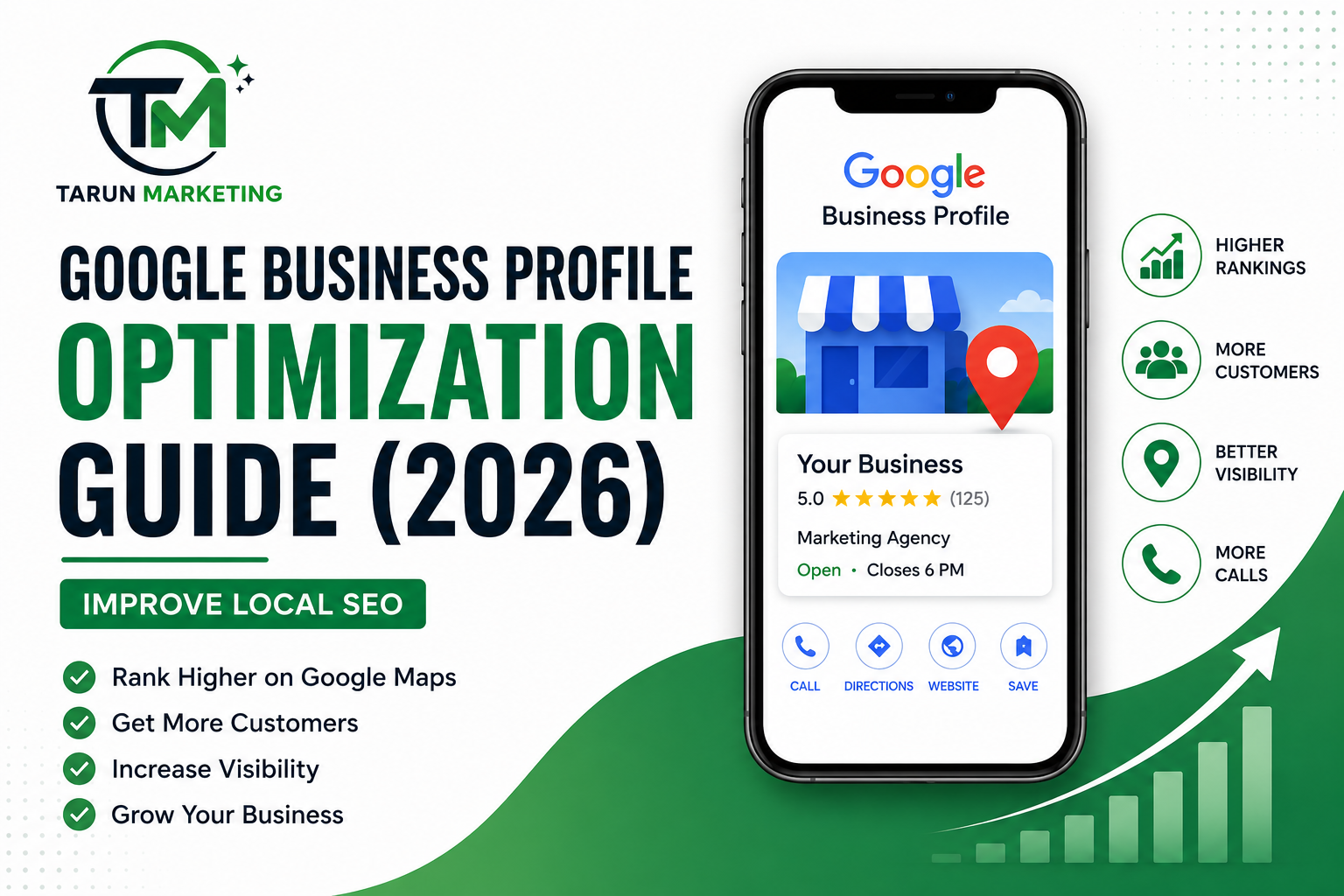
Google Business Profile Optimization Guide (2026) | Improve Local SEO
If you want your business to appear at the top of Google Search and Google Maps, Google Business Profile Optimization should be one of your highest priorities. Whether you own a local store, service-based business, restaurant, clinic, or digital marketing agency, an optimized Google Business Profile can significantly improve your online visibility and help you attract more customers.
Today, most customers search online before making a purchase or booking a service. They look for nearby businesses, read reviews, compare ratings, and check business hours. If your Google Business Profile isn’t optimized, you could be losing valuable traffic and potential customers to your competitors.
In this complete guide, you’ll learn everything about Google Business Profile Optimization, including why it matters, how it improves local SEO, and the best practices to rank higher in local search results.
Table of Contents
- What Is Google Business Profile?
- Why Google Business Profile Optimization Matters
- Benefits of Google Business Profile Optimization
- How Google Business Profile Impacts Local SEO
- Step-by-Step Google Business Profile Optimization Guide
- Common Mistakes to Avoid
- Advanced Optimization Tips
- Frequently Asked Questions
- Final Thoughts
What Is Google Business Profile?
Google Business Profile (formerly Google My Business) is a free business listing provided by Google that allows companies to appear in Google Search and Google Maps.
Your profile includes important business information such as:
- Business Name
- Address
- Phone Number
- Website
- Business Hours
- Services
- Products
- Photos
- Customer Reviews
- Questions & Answers
An optimized profile helps customers quickly find accurate information about your business while increasing your chances of appearing in Google’s Local Pack.
This is why Google Business Profile optimisation is essential for businesses that rely on local customers.
Why Google Business Profile Optimization Matters
Having a Google Business Profile isn’t enough. Many businesses create their profile but never optimize it.
Google Business Profile Optimization ensures your listing provides complete, accurate, and engaging information that both customers and Google’s algorithm can trust.
Benefits include:
- Higher Google Maps rankings
- Increased local visibility
- More website traffic
- More phone calls
- More direction requests
- Higher customer trust
- Increased leads and sales
- Better online reputation
Google rewards businesses that regularly update their profiles with accurate information and fresh content.
Benefits of Google Business Profile Optimization
1. Improve Local Search Rankings
Google considers relevance, distance, and prominence when ranking businesses.
By focusing on Google Business Profile Optimization, you increase your chances of appearing in local search results for keywords related to your services.
For example:
- SEO Company Near Me
- Digital Marketing Agency
- Website Designer
- Graphic Designer
- Google Ads Expert
An optimized profile sends stronger trust signals to Google.
2. Get More Website Visitors
A well-optimized profile encourages users to visit your website.
When people see:
- Professional images
- Positive reviews
- Updated business hours
- Clear service descriptions
they are much more likely to click your website.
3. Increase Phone Calls
Many customers prefer calling instead of filling out forms.
Google displays your phone number prominently, making it easy for users to contact your business directly.
This leads to higher conversions.
4. Build Customer Trust
Trust is one of the biggest ranking factors in local marketing.
Businesses with:
- High ratings
- Genuine reviews
- Professional photos
- Updated information
appear more trustworthy than incomplete listings.
Google Business Profile Optimization helps establish credibility before customers even visit your website.
5. Boost Google Maps Visibility
Many users search directly in Google Maps.
If your profile is optimized, your business has a much better chance of appearing in:
- Google Maps
- Local Pack
- Mobile searches
- “Near Me” searches
This increases both online and offline traffic.
How Google Business Profile Impacts Local SEO
Local SEO focuses on helping businesses appear for location-based searches.
Examples include:
- Digital Marketing Agency in Punjab
- SEO Expert in Bathinda
- Website Designer Near Me
- Social Media Marketing Company
Google uses your Business Profile as one of its primary local ranking signals.
An optimized profile helps Google understand:
- What your business does
- Where you’re located
- Which services you provide
- How trustworthy your business is
- How customers interact with your business
The better your profile, the higher your chances of ranking in local search results.
Step-by-Step Google Business Profile Optimization Guide
Step 1: Claim and Verify Your Business
The first step is claiming ownership of your Google Business Profile.
Verification confirms that you’re the legitimate owner of the business.
Without verification, many features remain unavailable.
Step 2: Choose the Right Business Category
Your primary category is one of the strongest ranking signals.
Choose the category that best describes your business.
Examples:
- Digital Marketing Agency
- Marketing Consultant
- Website Designer
- Advertising Agency
- SEO Consultant
You can also add relevant secondary categories to improve visibility.
Step 3: Complete Every Section
Google prefers complete profiles.
Fill in every available field, including:
- Business Name
- Phone Number
- Website
- Address
- Working Hours
- Service Areas
- Business Description
- Appointment Links
- Products
- Services
The more complete your profile, the stronger your local SEO performance.
Step 4: Write an SEO-Friendly Business Description
Your business description should naturally include your primary services and location.
Instead of keyword stuffing, write naturally.
Example:
“Tarun Marketing provides professional SEO, Google Ads, Social Media Marketing, Website Design, Graphic Design, and Local SEO services to help businesses increase online visibility, generate quality leads, and grow faster.”
Also Read – 5 Video Editing Mistakes That Are Killing Your Engagement (And How to Fix Them)
Step 5: Add High-Quality Photos and Videos
Visual content plays an important role in Google Business Profile Optimization. Businesses with high-quality photos receive more clicks, direction requests, and customer interactions than listings without images.
Upload photos regularly, including:
- Business Logo
- Cover Photo
- Office or Storefront
- Team Members
- Products
- Services
- Before & After Images
- Customer Experience
- Behind-the-Scenes Photos
Tips:
- Use high-resolution images.
- Name image files using relevant keywords before uploading.
- Update photos every month to keep your profile fresh.
Step 6: Collect and Respond to Customer Reviews
Customer reviews are one of the strongest local SEO ranking factors. Businesses with more positive reviews often rank higher in Google Maps.
Encourage satisfied customers to leave honest reviews after completing a service or purchase.
When responding to reviews:
- Thank customers for positive feedback.
- Address negative reviews professionally.
- Respond promptly to all reviews.
- Include relevant keywords naturally where appropriate.
For example:
“Thank you for choosing Tarun Marketing for your SEO services. We’re glad our Google Business Profile Optimization strategy helped improve your local visibility.”
Regular review management shows Google that your business is active and customer-focused.
Step 7: Publish Google Posts Regularly
Google Posts allow you to share updates directly on your Business Profile.
Posting regularly improves engagement and keeps your profile active.
You can publish:
- Company Updates
- Blog Posts
- Special Offers
- Events
- New Services
- Product Launches
- Customer Success Stories
Aim to publish at least one post every week.
Step 8: Keep Business Information Updated
One of the biggest mistakes businesses make is forgetting to update their information.
Always ensure your profile contains accurate:
- Business Hours
- Holiday Hours
- Phone Number
- Website URL
- Address
- Service Areas
- Products
- Services
Accurate information improves customer experience and supports Google Business Profile Optimization.
Step 9: Answer Questions in the Q&A Section
Google allows customers to ask questions directly on your profile.
Instead of waiting for customers to ask, proactively add frequently asked questions along with professional answers.
Examples include:
- What services do you provide?
- Do you offer online consultations?
- What are your business hours?
- Which locations do you serve?
- How can customers contact you?
A complete Q&A section builds trust and reduces customer hesitation.
Step 10: Track Performance Using Google Business Profile Insights
Google provides valuable performance metrics through Business Profile Insights.
Monitor important data such as:
- Search Views
- Maps Views
- Website Clicks
- Phone Calls
- Direction Requests
- Customer Actions
- Photo Views
Review these insights regularly to identify opportunities for improvement and refine your local SEO strategy.
Common Google Business Profile Optimization Mistakes
Avoid these common mistakes that can negatively impact your rankings:
- Incomplete business information
- Incorrect business category
- Keyword stuffing in the business name
- Low-quality or outdated photos
- Ignoring customer reviews
- Inconsistent Name, Address, and Phone Number (NAP)
- Not publishing Google Posts
- Duplicate business listings
- Outdated business hours
- Failing to update products and services
Avoiding these mistakes helps maintain a strong and trustworthy business profile.
Advanced Google Business Profile Tips
If you want to outperform your competitors, implement these advanced strategies:
- Add all relevant business services.
- Enable messaging for faster customer communication.
- Upload new photos every week.
- Create location-specific service pages on your website.
- Build high-quality local backlinks.
- Use consistent NAP details across all online directories.
- Add appointment booking links.
- Encourage customers to upload their own photos.
- Optimize your website for local SEO.
- Monitor competitor profiles to identify improvement opportunities.
Combining these techniques with consistent profile management can significantly improve your local search performance.
Why Choose Tarun Marketing for Google Business Profile Optimization?
At Tarun Marketing, we help businesses improve their local online presence through professional Google Business Profile Optimization services.
Our services include:
- Google Business Profile Setup
- Business Verification Assistance
- Complete Profile Optimization
- Local SEO Strategy
- Keyword Optimization
- Review Management
- Google Maps Ranking Improvement
- Monthly Performance Reports
- Google Posts Management
- Local Citation Building
Whether you’re a startup or an established business, our team can help you attract more local customers and improve your Google Maps visibility.
Conclusion
A well-optimized Google Business Profile is one of the most powerful tools for improving your local online presence. By following the strategies outlined in this guide, you can increase your visibility in Google Search and Maps, build customer trust, and generate more leads.
Remember that Google Business Profile Optimization is not a one-time task. Regular updates, fresh photos, customer reviews, and accurate information all contribute to long-term success. Businesses that consistently optimize their profiles are more likely to rank higher and attract qualified local customers.
If you’re looking to grow your business through local SEO, investing in Google Business Profile Optimization is one of the smartest decisions you can make.
Frequently Asked Questions (FAQs)
1. What is Google Business Profile ?
Google Business Profile Optimization is the process of improving your Google Business Profile by updating business information, adding photos, managing reviews, publishing posts, and optimizing your listing to rank higher in Google Search and Google Maps.
2. Why is Google Business Profile important?
It helps improve local search rankings, increases customer trust, generates more website visits, phone calls, and leads.
3. Is Google Business Profile free?
Yes. Google Business Profile is completely free to create and manage.
4. How long does it take to see results from Google Business Profile ?
Many businesses notice improvements within a few weeks, while stronger ranking improvements may take several months depending on competition and consistency.
5. How often should I update my Google Business Profile?
You should update your profile regularly by posting weekly updates, uploading new photos, responding to reviews, and ensuring all business information remains accurate.
6. Do customer reviews help improve rankings?
Yes. Genuine customer reviews are one of the most important ranking factors for local SEO and Google Maps visibility.
7. Can I rank on Google Maps without a website?
Yes, but having an SEO-optimized website significantly improves your chances of ranking higher and converting visitors into customers.
8. What is the best business category to choose?
Choose the category that most accurately describes your primary business. You can also add secondary categories relevant to your services.
9. Does adding photos improve Google Business Profile rankings?
Yes. High-quality, regularly updated photos increase engagement and help build trust with potential customers.
10. Who can help with Google Business Profile Optimization?
Professional digital marketing agencies like Tarun Marketing can help optimize your profile, improve local SEO, manage reviews, and increase your Google Maps rankings.
%20|%20Improve%20Local%20SEO)