

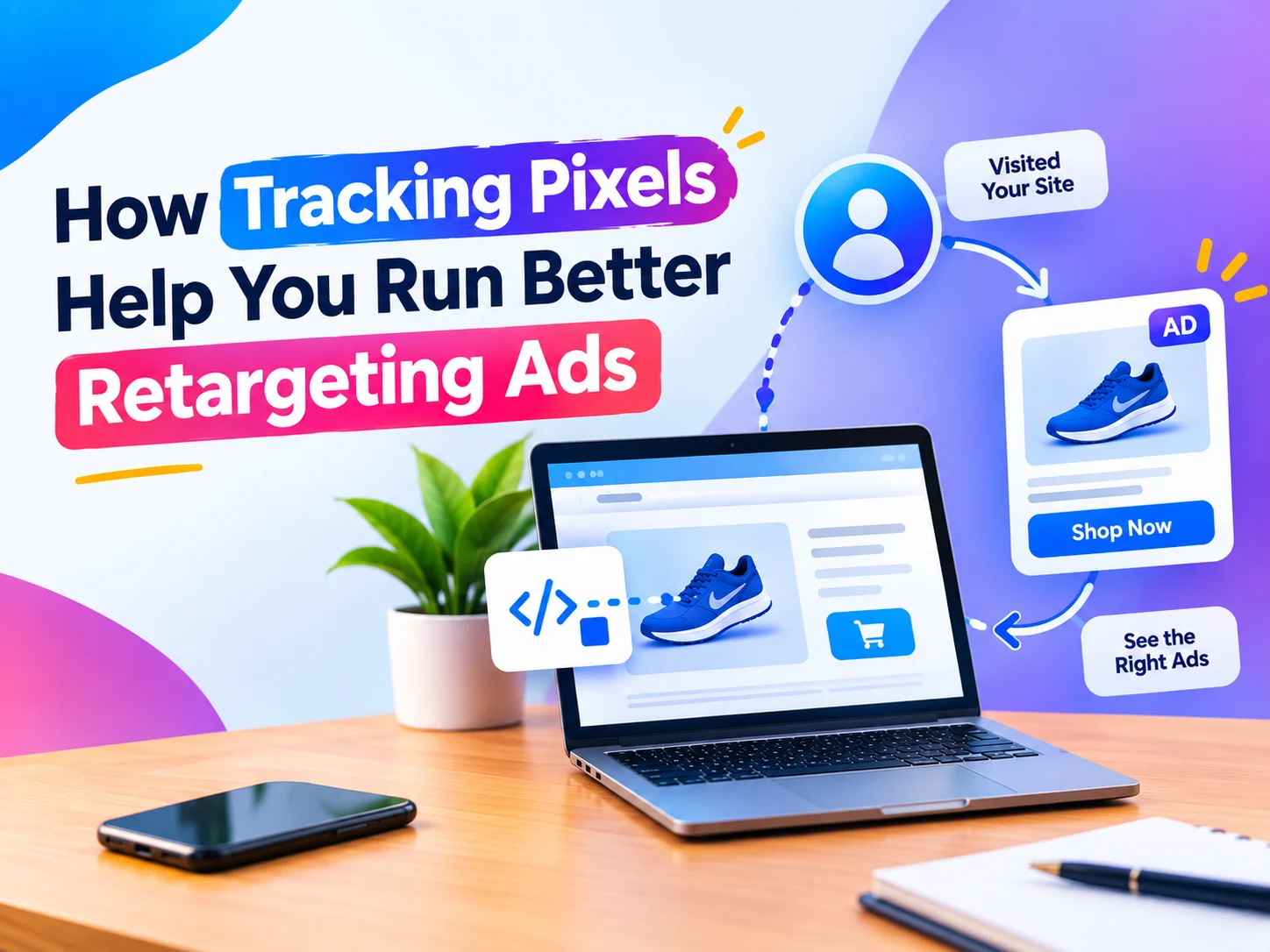
How Tracking Pixels Help You Run Better Retargeting Ads
Introduction
Have you ever noticed that a product you looked at on a website starts showing up a little later as an ad on Instagram or Facebook? This is not a coincidence. It is the work of tracking pixels. In this blog, we will talk about tracking pixels in detail.
Many business owners run retargeting ads but do not get results, because the pixel on their website is not installed properly or is not being used. If you want your retargeting ads to actually convert, you first need to understand tracking pixels.
In this blog, we will explain in simple language what tracking pixels are, how they work, and how you can use them to make your retargeting ads better.
What Are Tracking Pixels?
A tracking pixel is a small code snippet that is installed on your website. This code is invisible. Users cannot see it, but it works in the background.
Whenever a visitor comes to your website, the pixel tracks their activity, such as:
- Which pages they visited
- Which product they viewed
- What they added to the cart
- Whether they filled in a form or not
This data is then shared with platforms like Facebook, Instagram or Google, which helps you target those exact visitors again.
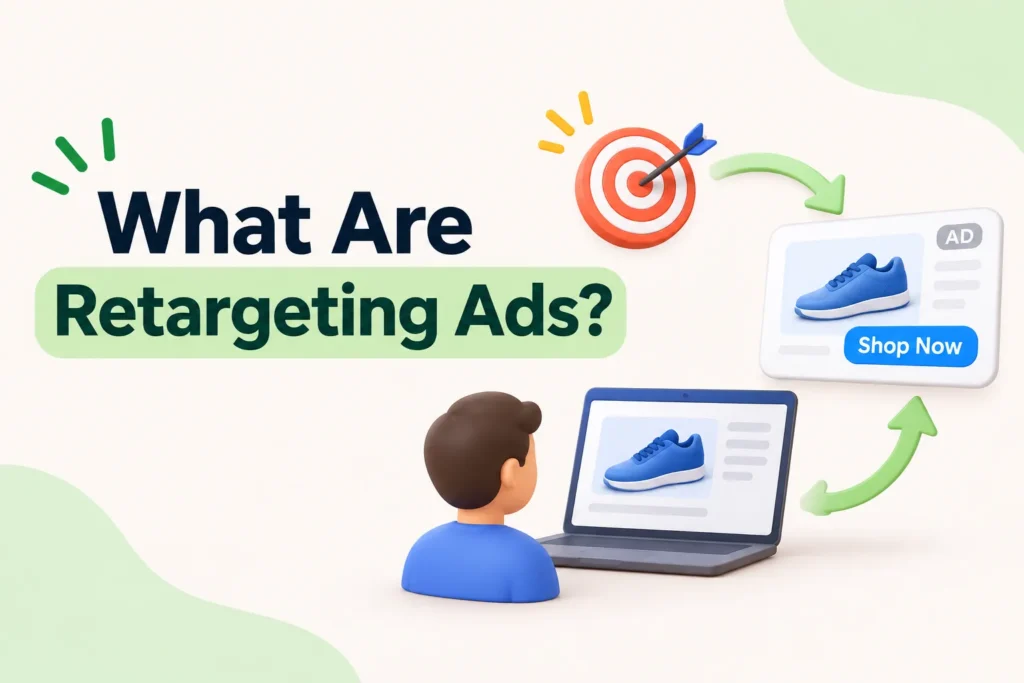
What Are Retargeting Ads?
Retargeting ads are ads shown to people who have already visited your website but, for some reason, did not complete a purchase or an enquiry.
Example: a user views a service page on your website but leaves without filling in the contact form. With the help of the pixel, you can show that user an ad again, such as “Still thinking? Book a free consultation.”
This strategy is far more effective than looking for new customers, because it targets people who were already interested in your business.
How Tracking Pixels Make Retargeting Ads Better
1. Targeting the Right Audience
Without tracking pixels, your ads would be shown to random people. With a pixel, you can target only the people who were genuinely interested in your website, so your ad spend is not wasted.
2. Segmentation Based on Behavior
Using pixel data, you can divide visitors into different groups:
- Those who only reached the homepage
- Those who viewed a specific service page and left
- Those who reached the cart but did not buy
Creating a different message for each group greatly increases your chances of conversion.
3. Better Ad Personalization
When you know what the user had viewed, you can personalize your ad copy and images to match. Personalized ads always perform better than generic ads.
4. Conversion Tracking and Optimization
A pixel is useful not just for retargeting but also for tracking which ads are actually giving results. This lets you focus your budget on the ads that are bringing real conversions.
5. Creating Lookalike Audiences
At an advanced level, you can use pixel data to create “lookalike audiences”, which are new people who behave like your existing visitors. This helps you find new customers along with retargeting.
Which Tracking Pixels Are Common?
Depending on your business’s platform, some common tracking pixels are:
- Meta Pixel (Facebook/Instagram): for Facebook and Instagram ads
- Google Ads Tag: for Google Search and Display ads
- LinkedIn Insight Tag: for B2B businesses
- Google Analytics Tracking Code: to understand overall website behavior
For most businesses, both the Meta Pixel and the Google Ads Tag are important, because they make retargeting possible on both platforms.
Common Mistakes When Installing Tracking Pixels
Many businesses install a pixel but do not get results because of a few common mistakes:
- Installing the pixel only on the homepage and not on the whole website
- Not tracking events (such as “Add to Cart” or “Form Submit”)
- Not testing the pixel after installing it to check that it works properly
- Starting retargeting with very little traffic, which leaves the audience size small
If the pixel is not installed and configured properly, the data for your retargeting ads will be wrong or incomplete, which affects the whole campaign.
Best Practices for Retargeting Ads
- Create time-based segments: for example, a different ad for “last 7 days visitors” and another for “last 30 days visitors”
- Set a frequency cap: avoid showing the same user the same ad again and again
- Keep a clear offer or CTA: a discount, a free consultation or a limited-time offer
- Update your ad creative regularly: people start ignoring an old ad after seeing it many times
ALSO READ: How to Write a Google Ads Campaign That Actually Converts
Conclusion
Tracking pixels are the backbone of retargeting ads. Without them, your ads run on guesswork. But when a pixel is installed and used properly, you can target your most interested visitors, which improves both your conversion rate and your ROI.
If you want a tracking pixel installed on your website, or you want your retargeting ads set up properly, contact Tarun Marketing. We handle everything for you, from pixel setup to the full retargeting strategy.
FAQs
1. What is a tracking pixel? A tracking pixel is a small code snippet installed on a website that tracks visitors’ activity, so that retargeting ads can be shown.
2. Does a tracking pixel slow down my website? If it is installed properly, a pixel has a minimal effect on website speed. Slowness can happen only when many pixels are installed together or installed the wrong way.
3. What is the difference between the Meta Pixel and the Google Ads Tag? The Meta Pixel is used for retargeting on Facebook and Instagram, while the Google Ads Tag is used for retargeting on Google Search and the Display network.
4. How effective are retargeting ads? Retargeting ads are more effective than normal ads, because they target people who have already shown interest in your business.
5. Should a small website also install a pixel? Yes, whether your website is small or big, you should install a pixel if you plan to run Facebook, Instagram or Google Ads in the future.
6. How soon can retargeting start after installing the pixel? Most platforms need a minimum audience size (for example, Facebook needs at least 100 active users), so it is better to start retargeting a few days after installing the pixel.
7. Do tracking pixels violate data privacy laws? Not if you get proper consent (such as a cookie consent banner) and use the data transparently. Just make sure your privacy policy mentions this clearly.
8. How many tracking pixels can be installed on one website? You can install multiple pixels together, such as the Meta Pixel, the Google Ads Tag and the LinkedIn Insight Tag, but avoid unnecessary pixels so that your website does not slow down.
